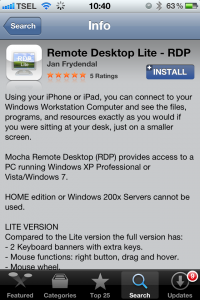
Download dan Install aplikasi “Remote Desktop Lite” melalui App Store
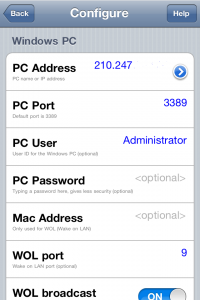
Buka aplikasi RDP Lite kemudian klik “Configure – New”
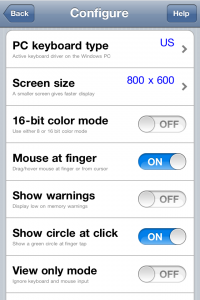
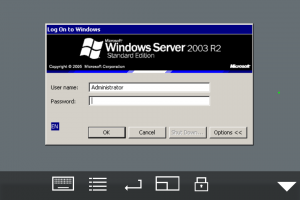
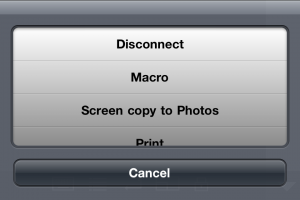
Masukkan IP Address VPS pada kolom PC Address Ketikkan “Administrator” pada PC User Masukkan Password pada PC Password Ubah opsi 16-bit color mode ke “Off” (untuk mempercepat akses ke VPS) Untuk melakukan Remote Desktop klik tombol “Connect” pada aplikasi “RDP-Lite” Untuk keluar dari remote desktop silahkan klik “Disconnect”